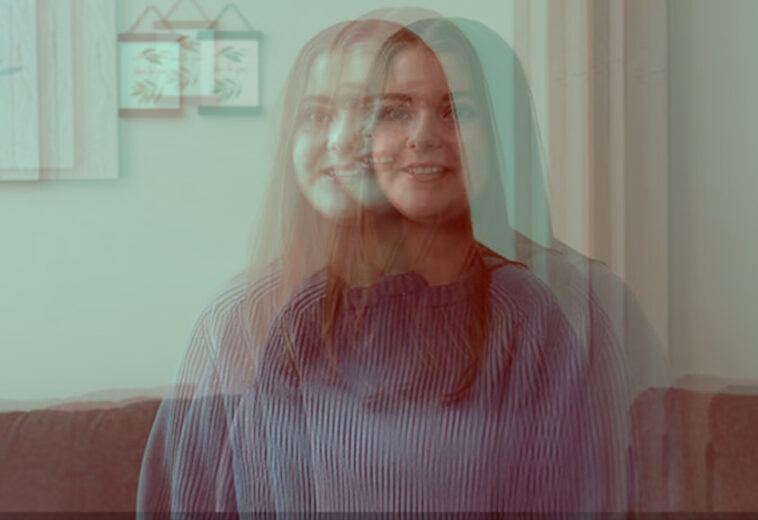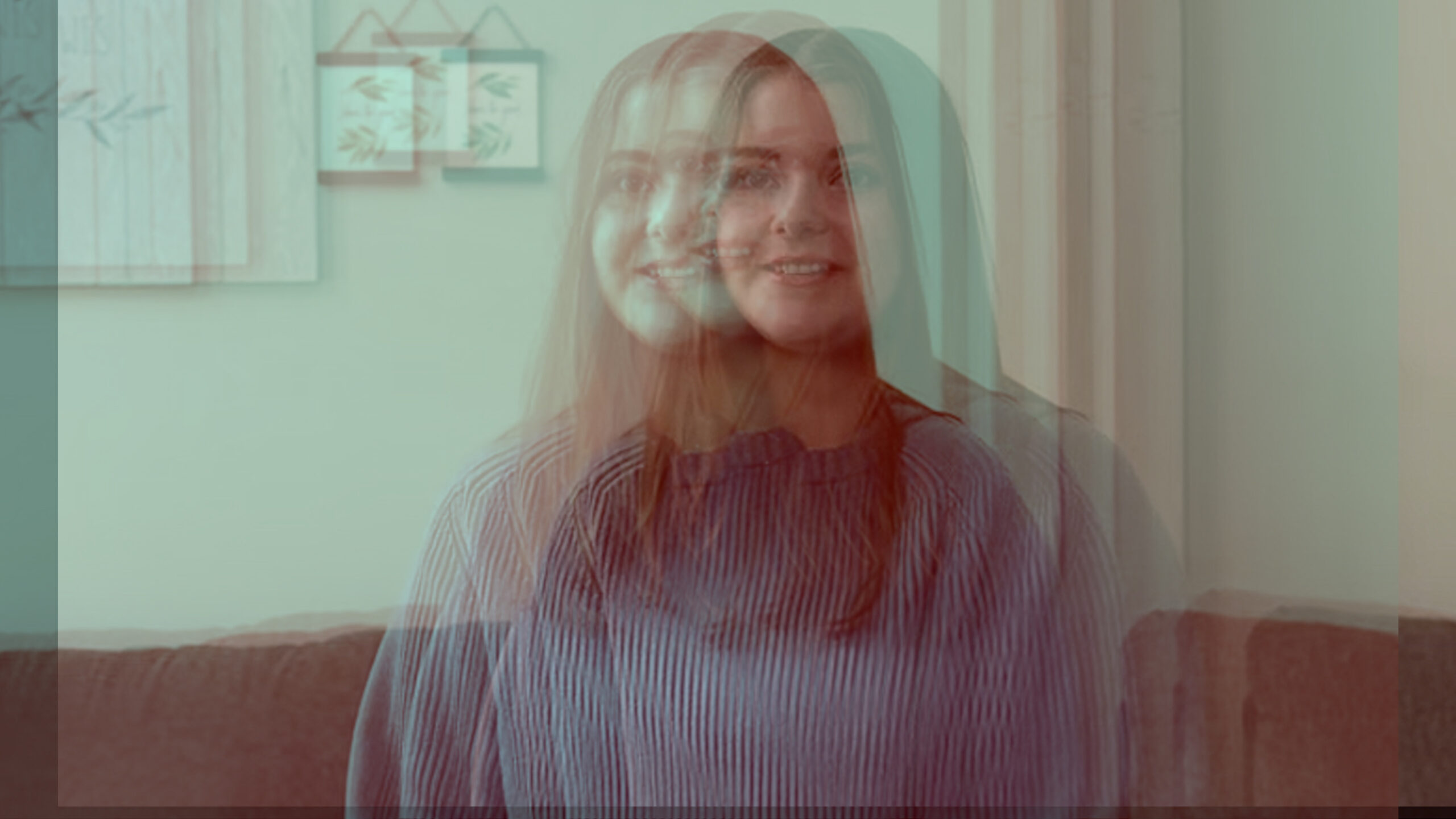
A lot of times I have been working on a dramatic documentary or a fast-paced, high-energy reel and have been offered a series of multi-camera angles, some of which have motion and one of which is static. From my viewpoint as an editor, it looks pretty awkward when trying to switch between cameras that have motion and a camera which is unmanned on a tripod. There are always ways to get around this, such as keyframing slow zooms in or out, but a lot of times this just looks fake. I have found a way to work around this by motion-capturing various real-camera movements, from steady, smooth, and rough handheld recordings. I’ve placed these as keyframes in an adjustment layer in Premiere and added footage below, which affects all layers placed beneath it. Adjust the scale of the footage so we do not get black borders when the adjustment layer does its thing, and you will get real motion. Below are four motion adjustment layers, from rough to motion that you may not notice at all, in an Adobe Premiere project for you to open, copy, and place above your footage to give stale shots fluidity.
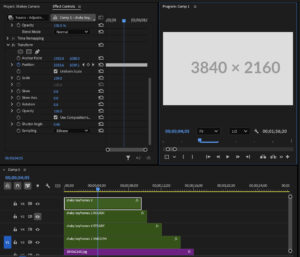
https://peterfriedlander.tv/downloads/shaky-camera-keyframes/
To see this in action, some of the head on shots I have been applied by this approach with this video.